Quick Access for Pass
Fast, Touch-ID-protected access to Proton Pass secrets on macOS.
Press a global hotkey, search your Proton Pass vaults, unlock sensitive actions with Touch ID, and get back to work.
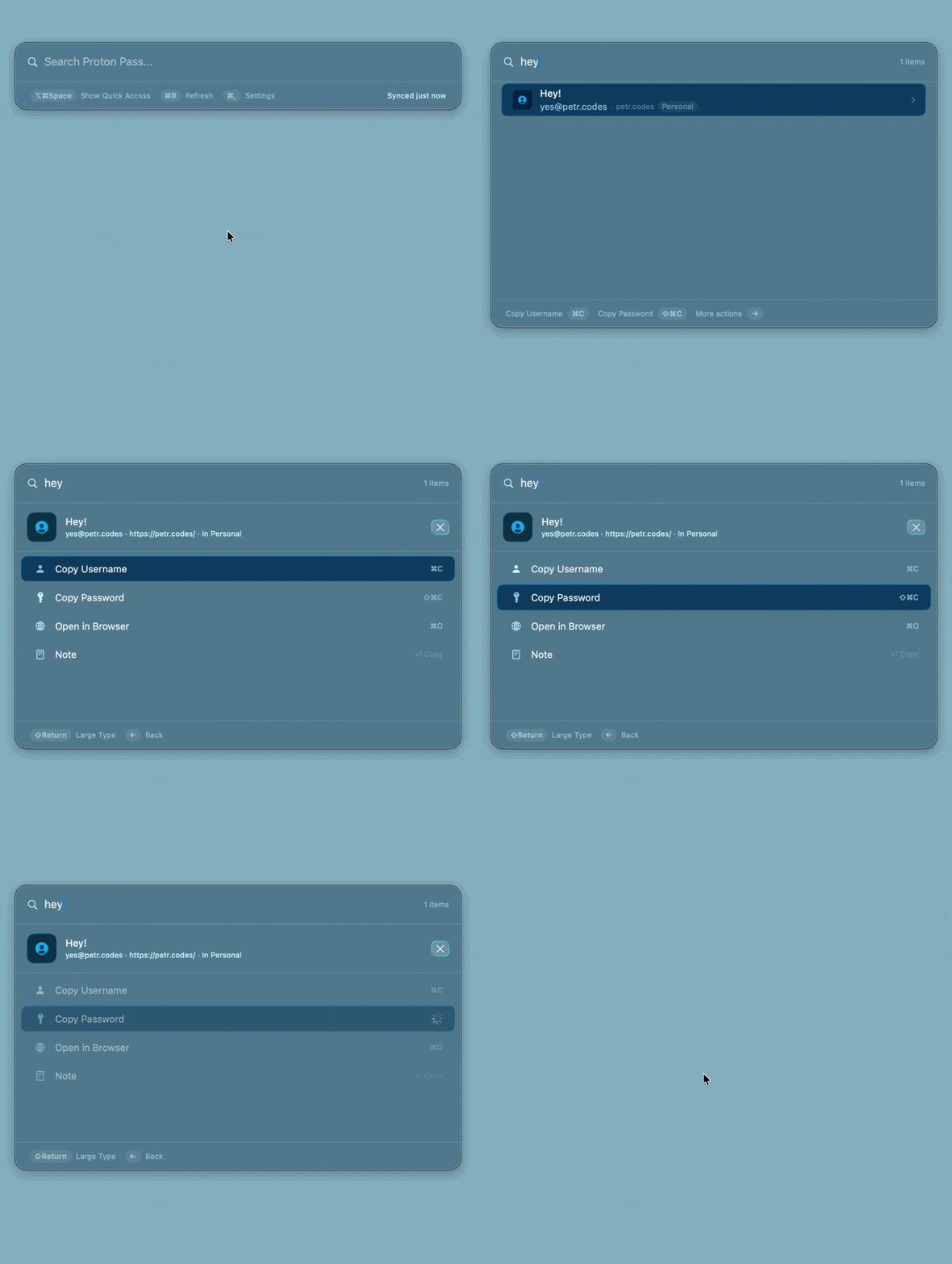
A faster Proton Pass workflow
Quick Access for Pass keeps the common password-manager actions close to your keyboard.
Global hotkey
Open a floating search panel from anywhere with the default ⇧⌥Space shortcut.
Fast local search
Search synced item metadata locally, then copy usernames, passwords, TOTP codes, or URLs.
Touch ID gates
Require biometric confirmation for sensitive actions without adding friction to every search.
Beyond quick copy
The app also supports advanced workflows for developers who keep SSH keys and command secrets in Proton Pass.
SSH Agent Proxy
Put a Touch-ID-protected approval step between SSH clients and the Proton Pass SSH agent, with remembered decisions to reduce prompt fatigue.
Run Proxy
Map environment variables to Proton Pass references and inject secrets into commands at runtime after biometric approval.
Configurable settings
Customize shortcuts, clipboard behavior, sync cadence, proxy settings, vault filters, and remembered decisions.
Health and accessibility
Status indicators, automatic recovery, VoiceOver-aware interactions, and clear focus handling make the workflows easier to trust.
Designed around secret safety
A password workflow should be fast, but it should not quietly weaken the security model.
Install Quick Access for Pass
Download the latest release for macOS 15 or later. The app also requires Proton Pass CLI installed and authenticated, and Touch ID for biometric prompts.
brew install CiTroNaK/tap/quick-access-for-pass
Built after moving to Proton Pass
I built Quick Access for Pass for myself and my wife after moving from 1Password to Proton Pass. It also became a practical way to learn Swift and macOS development while solving a real workflow problem.
If it helps other Proton Pass users get a faster and safer macOS workflow, that is a bonus.